Choosing and comparing
What does a CRM really cost?
The subscription is rarely the biggest line. Four costs that only show up later, and how to work them out before you sign.
About 6 minutes to read
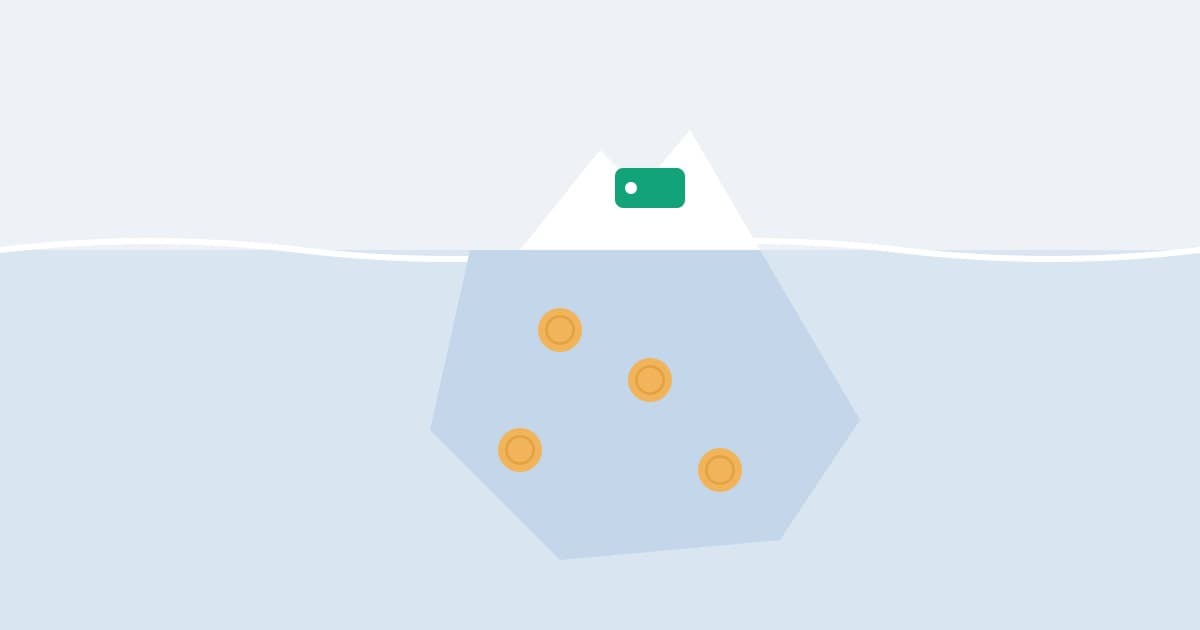
Why there are no prices on this page
You might expect a table of packages and figures. There isn't one, and that isn't laziness: a table like that is untrue within six months. Suppliers change prices, rename tiers, and move features from one level to another. A comparison you read here and look up again next year would send you the wrong way.
What does hold is the structure — where the money actually goes, and which lines only become visible once you've started. There are four of them.
1. The subscription, and how it grows
Most packages charge per user per month. That looks like the fairest arrangement and sometimes is, but work out two figures, not one: what it costs now, and what it costs if your team doubles in two years.
With per-user pricing that line doubles with it. Which has a side effect that never appears in a quote: you stop giving everyone an account. The office doesn't look in, the engineers log nothing, and half your customer contact is back in somebody's inbox.
Check the monthly figure against the annual one too. A discount for paying up front is normal, but it makes leaving more expensive than it looks. Some suppliers charge per company rather than per user, which removes the growth question entirely; Nermio is one of them.
And ask whether the price you've been shown includes VAT. If you're VAT registered the net figure is the one to compare; if you're not, the gross figure is what leaves your account.
2. Setting it up
With larger packages this is often the biggest cost of year one, and it isn't on the pricing page. Implementation, configuration, training, data migration — billed separately, usually by the hour.
The question that predicts that figure: how much has to be set up before this is any use to me? If the answer is a project of several weeks for a business of five people, what you're buying is mostly the complexity of the product.
Count your own hours as well. Four people in a training session for a day is a day you don't invoice.
3. Integrations and extras
Email, calendar, bookkeeping, phone system, forms on your website — a lot of that sits in a higher tier or costs extra each month. Sometimes it runs through a third party that charges its own subscription on top.
Write down what you genuinely need before you ask for a quote, then ask about each item separately: included, or not? A package that looks cheaper but needs three paid connectors isn't cheaper.
4. The price of leaving
This is the line nobody budgets for and the one that can hurt most. If you want to move in two years, can you get your data out — notes and history included — in a format another system can read?
If you can't, or only by request and for a fee, there's an amount in your future that you can't see today. Ask before you sign, and ask for the export format by name.
The part HMRC pays for
One line usually works in your favour, and it's worth knowing before you compare. HMRC lists computer software as an allowable business expense for the self-employed where the business makes regular payments to renew the licence — which is what a monthly or annual CRM subscription is.
So the comparison that matters is the after-tax one. It doesn't change which package is cheapest, but it does change how much weight a few pounds a month deserves in the decision. If you run a limited company or you're unsure how your own return is set up, check it with whoever files it.
A sum you can do in five minutes
For each package you're considering, write these five lines under each other, over three years:
- The subscription now, times 36 months.
- The subscription for a team half again as large, for the last 18 of those months.
- One-off setup: what the supplier charges, plus your own hours.
- Integrations and add-ons per month, times 36.
- An estimate of what it would cost to get back out again.
The result often surprises people. The package with the lowest monthly price isn't always the cheapest, and the dearest subscription sometimes is — if setup and the connectors you need are already in it.
What it costs not to do it
The other side of the ledger is harder to pin down, but it's real. One missed follow-up a month that you would otherwise have won is, in most small businesses, several times the annual cost of any of this.
That isn't an argument for buying the expensive option. It is an argument against spending three weeks optimising a few pounds a month when the actual question is whether you'll keep the thing up to date. If you're not yet sure you need one at all, the spreadsheet question comes first.
It's also worth knowing what stops most smaller firms, because it isn't the monthly figure on its own. When the SME Digital Adoption Taskforce asked, the answers were that adoption looks too hard and too costly together, and that switching tools later feels like too much risk. Both of those are addressed by the two questions above: how little setup do I need, and how do I get my data out again.
Sources
- Expenses if you're self-employed: office, property and equipment — HM Revenue & Customs, GOV.UK
- SME Digital Adoption Taskforce: final report — Department for Business and Trade, GOV.UK