Excel or a CRM?
Most of the companies we talk to keep their customers in a spreadsheet, and that is not a beginner's mistake. A list in Excel is free, you know it, and it does exactly what you think of. This page is about where it quietly stops working — because there is no moment where it does, and that is the problem.
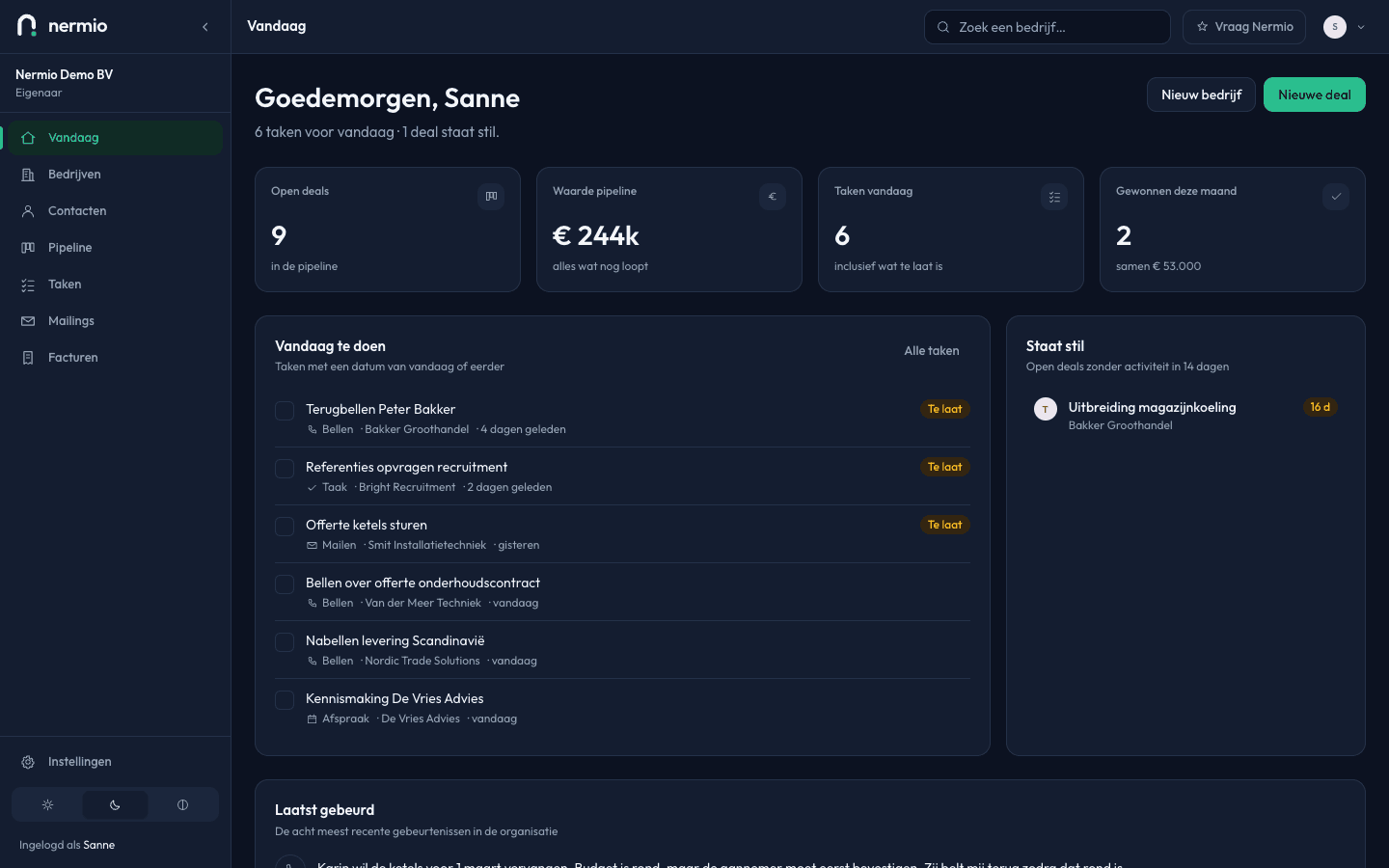
Excel is a good start
And for some companies it's also the end of it, and that's fine.
A list of forty customers in a spreadsheet you actually keep up is better than a CRM you stop opening after three weeks. That isn't politeness, it's the most important sentence on this page: software doesn't beat a spreadsheet by doing more, only by you carrying on using it.
What Excel does unusually well is bend to your head. You invent a column, you sort on what matters to you, you work out a margin in the cell next to it. No CRM lets you do that as fast, ours included.
The trade-off
This isn't a list where the software wins everything. The left-hand column is why you're still using a spreadsheet.
Where Excel is stronger
- You already have it and you know it. There's no subscription and nobody has to learn anything.
- Total freedom: any column you want, any sorting, and sums in the cell next door.
- It works without internet, and a file on your own disk is yours in the most direct sense of the word.
- Everything is visible at a glance and editable in one go; a CRM makes you click per record.
- No supplier changing its prices or its features.
Where Nermio is different
- A task with a date that speaks up on the right day. A cell saying "chase" never speaks up.
- A timeline per company: every note and every stage change stays, with who did it.
- Several people at once, without two versions of the truth appearing.
- Four roles, so not everyone can change everything, and an audit log that records who did what.
- A lost deal asks for a reason, so after six months you know why you're losing work.
Where a spreadsheet quietly stops
Three things that don't break with an error message. You notice them in the revenue.
The history disappears
You overwrite the "status" cell with the new state, and what was there is gone. So in a year you know where a customer stands, but not what you discussed in March. That is exactly the information that makes a second conversation easy.
A second person joins
From then on there's a file in the folder and a file in someone's inbox, or two people typing in the same row at once. Not because they're careless — a spreadsheet wasn't made for it.
Nobody trusts the list any more
Around a hundred rows in, there are deals that closed last year and empty cells where you can't tell whether nothing happened or someone forgot to fill it in. That's when you stop — and you don't stop keeping records, you stop looking.
What you're best off doing
Stay with Excel if
- You have fewer than about ten open enquiries at a time. You can still remember those, and then software is a tool with no work for it.
- You work alone and your customers are mostly repeat ones, with no long engagements to watch.
- Your spreadsheet also does your pricing or your planning. We don't take that part over, and pulling them apart costs more than it returns.
- You genuinely keep it up to date. That's worth more than any feature.
Switch if
- You find yourself wondering whether you ever chased someone, and have to look for the answer in your inbox.
- A second person talks to customers, or one is about to.
- You want to know why you lose work and not only that you do.
- A customer rings back after a year and you no longer know what you'd agreed.
What switching looks like in practice
You can import your whole spreadsheet in one go, but that's rarely the best start. A CSV import is there under Settings, and even so I'd begin with what's actually running: ten to twenty companies with an open enquiry, each with a stage and a date to come back. Those few rows are your entire pipeline, and you add the rest at the moment it matters.
You don't throw the spreadsheet away. It stays as an archive and as a list to work through; the customers who come back into play you add when they come back into play. That way switching isn't a project but something you do as you go, which is also the advice in bringing in a CRM.
Start with the enquiries that are open now
Ten rows from your spreadsheet, with a stage and a date. After two weeks you'll know whether this works better than what you do now. No credit card.